Hidden IT Costs Most Businesses Don’t Budget For
Most organizations have a line item for “IT”. Hardware, software subscriptions, maybe an IT operations partner or internal staff… yes. But some of...
When it comes to workplace technology, the possibility of downtime is very real and has lasting impacts on organizations who experience it.
Downtime is idle time within a business when systems are unavailable, and it is commonly applied to networks and servers. Common causes of downtime are outages, a breach in security of an IT environment, or other system failures.
Here's why downtime is a relevant aspect to focus on when it comes to your IT environment, what you can do to focus on uptime, and how to be prepared if downtime strikes.
It's all about prevention and detection. According to Cisco's Security Capabilities Benchmark Study, four in ten companies have suffered an attack that caused them to lose substantial business opportunities. Downtime is not just about losing revenue, studies have shown if downtime isn't handled the right way, it can negatively affect client relationships as well. Preventing downtime is key to business success, which is why you must shift your focus to the present condition of your current IT environment.
It's time to focus on uptime. We recommend implementing a change management process, which is a process you put any IT environment change through to ensure that you're looking through a holistic lens when implementing new technical pieces. It helps you ask the right questions, such as analyzing whether certain departments will be impacted or not. Planning ahead prior to changes in your technical environment will help to avoid disruption.
Consistently tracking and implementing hardware refresh cycles is also an important way to increase uptime. Just because your business technology is still working, doesn't mean you're not putting your organization at significant risk of failure and downtime by not proactively replacing hardware prior to an issue.
Expect the unexpected before it's too late. While focusing on uptime, your organization must also be prepared for the inevitable: potential downtime. Taking the time to carefully draft out a disaster recovery plan that will provide a smooth transition from downtime back to production will be a tool you will rely on in the case of an emergency. What are your options for data backup? How will you prioritize hardware and software reinstallation? Who will collaborate with your clients and vendors?
The past, present, and future of your downtime will derive from how proactive your organization is willing to be to achieve the highest levels of uptime. Potentially consider developing a Life Cycle Management Plan to hold your team accountable. If you're prepared you will place trust in your equipment, trust in your team, and trust in your processes. Peace of mind is worth the preparation.
There is a Five Nines Difference in combating organizational downtime. To learn more about the service model that sets us apart, talk to one of our experts today.


Most organizations have a line item for “IT”. Hardware, software subscriptions, maybe an IT operations partner or internal staff… yes. But some of...
Organizations rarely fire their IT provider after one incident. It usually comes after months of mounting frustration — a long stretch of slow...
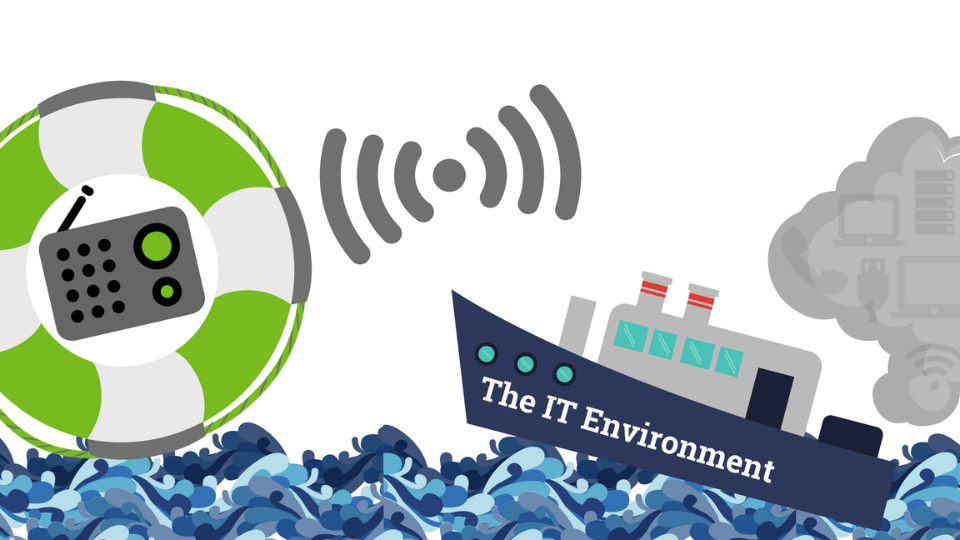
Do you feel as though your IT environment is a sinking ship that you are trying to keep afloat? Keeping your IT environment efficient is the best...