Why "We Have a Firewall" Is No Longer a Sufficient FFIEC Answer, and What Regulators Expect Instead
Why Single-Control Answers No Longer Satisfy the FFIEC Examiner A community bank CEO walking into the next FFIEC exam interview will be asked, in...
Wi-Fi. It's a symbol that everyone recognizes, a term that most people are familiar with, yet many business' Wi-Fi networks are left unprotected and exposed.
Securing your Wi-Fi is more than the avoidance of a slower connection, it is an integral part of being proactive in protecting entire internal networks.
If Wi-Fi is unsecured, anyone can access it. The purpose of secured Wi-Fi is that it is only provisioned for individuals who have been granted access. If the Wi-Fi is not secure, many individuals have no problem taking advantage of the connection or the information that comes with it. According to a study by the ITRC, one in three Americans have attempted to guess someone else’s password, and in 73% of cases, that attempt to guess the password was successful. Once someone is connected to an organization's Wi-Fi connection, there is a greater chance that they can gain access to an internal network.
In terms of implementation, organizations can increase Wi-Fi security by using a strong password that users must type in to access the Wi-Fi. For even more security, businesses can keep Wi-Fi traffic and their internal network separate. That way, even if someone happens to connect to the secured Wi-Fi, they won't have access to internal data. Another protective measure that is highly recommended is implementing a separate Wi-Fi network for internal staff and anyone the organization wants to give access, while having a separate guest wireless network for visitors.
If Wi-Fi isn't secured, someone could accidentally or maliciously access an organization's internal network. Once within an internal network, malicious access could result in stolen data, the shutdown of devices, encryption of data that the organization would have to pay to get unencrypted, inputting keyloggers on the network to steal users' passwords, and the list goes on. These vulnerabilities can be extremely costly, which is why taking the extra step to secure your organization's Wi-Fi network is important to protect the business at large and its' users.
Wi-Fi security goes beyond a slow connection, it's about decreasing a huge security risk that could lead to a loss of time, money, and confidential data. If you are unsure about the security of your Wi-Fi network, contact an IT team today to ensure the protection of your technology and information. It can make the difference in regards to the protection of your network.
Your Wi-Fi network can be compromised, but so can your devices. If you need help with security, we've got your back.

Why Single-Control Answers No Longer Satisfy the FFIEC Examiner A community bank CEO walking into the next FFIEC exam interview will be asked, in...
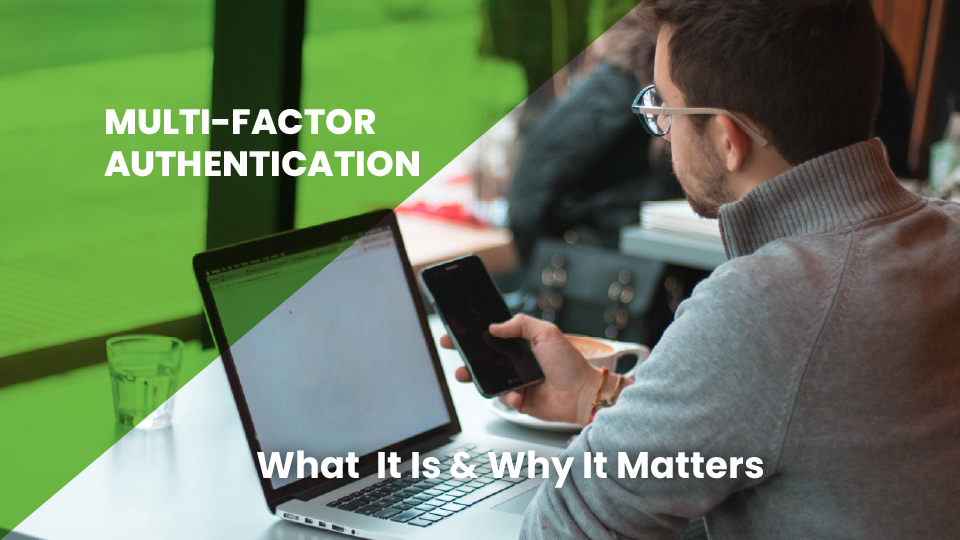
We’ve talked a lot about the importance of changing your password and making sure you choose passwords that aren’t easily guessed. But while you...
What's your go-to password? We all have one. Is yours secure? You can test how secure one of your top-of-mind passwords really is by checking it here: